The ThatPrompt brand
Logos, colours, type and voice, for anyone making something with or about ThatPrompt. The files here are the same ones the app and this site use.
Need something that isn't here? Email hello@blacklabstudios.com.
Name
One word, capital T, capital P. ThatPrompt is made by Black Lab Studios.
Write
ThatPrompt
Never
That Prompt
Thatprompt TP
Describing ThatPrompt
Use these as they are, or cut them down.
One line
Write a rough prompt. Get a great one back. Then it's one hotkey away from anywhere.
A paragraph
ThatPrompt is a prompt manager for Mac and Windows. Press one hotkey in any app to find a saved prompt and paste it. Enhance turns a rough prompt into a better one with a language model that runs on your own computer, so your prompts never leave it. ThatPrompt is made by Black Lab Studios.
Logo
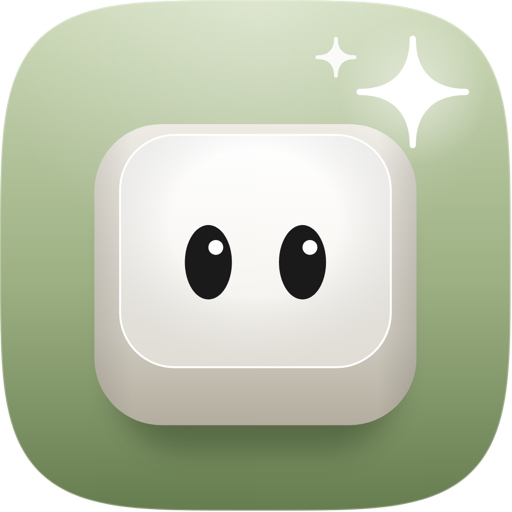
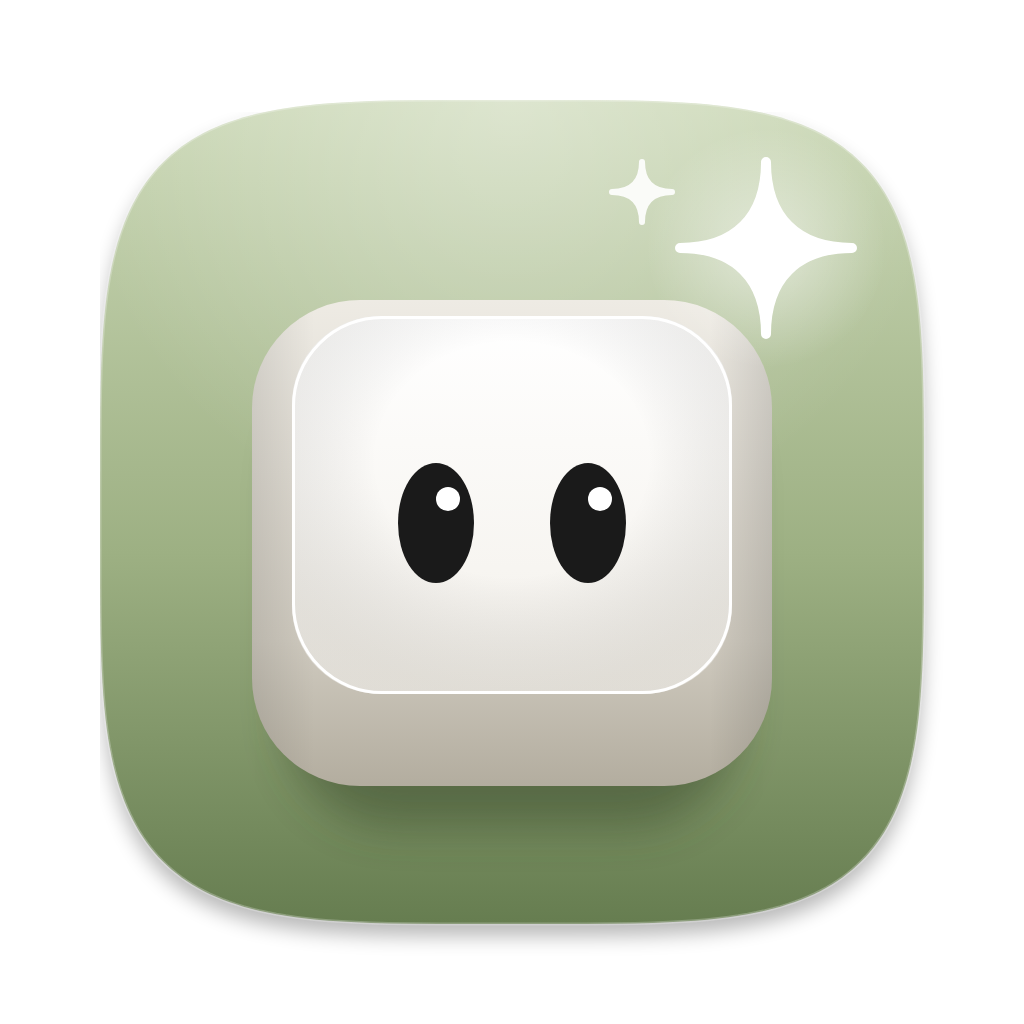
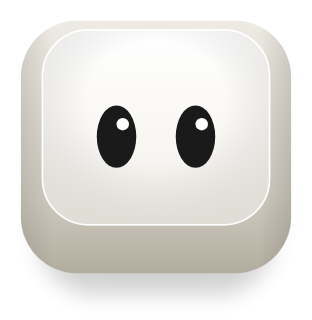
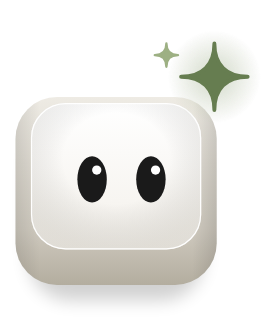
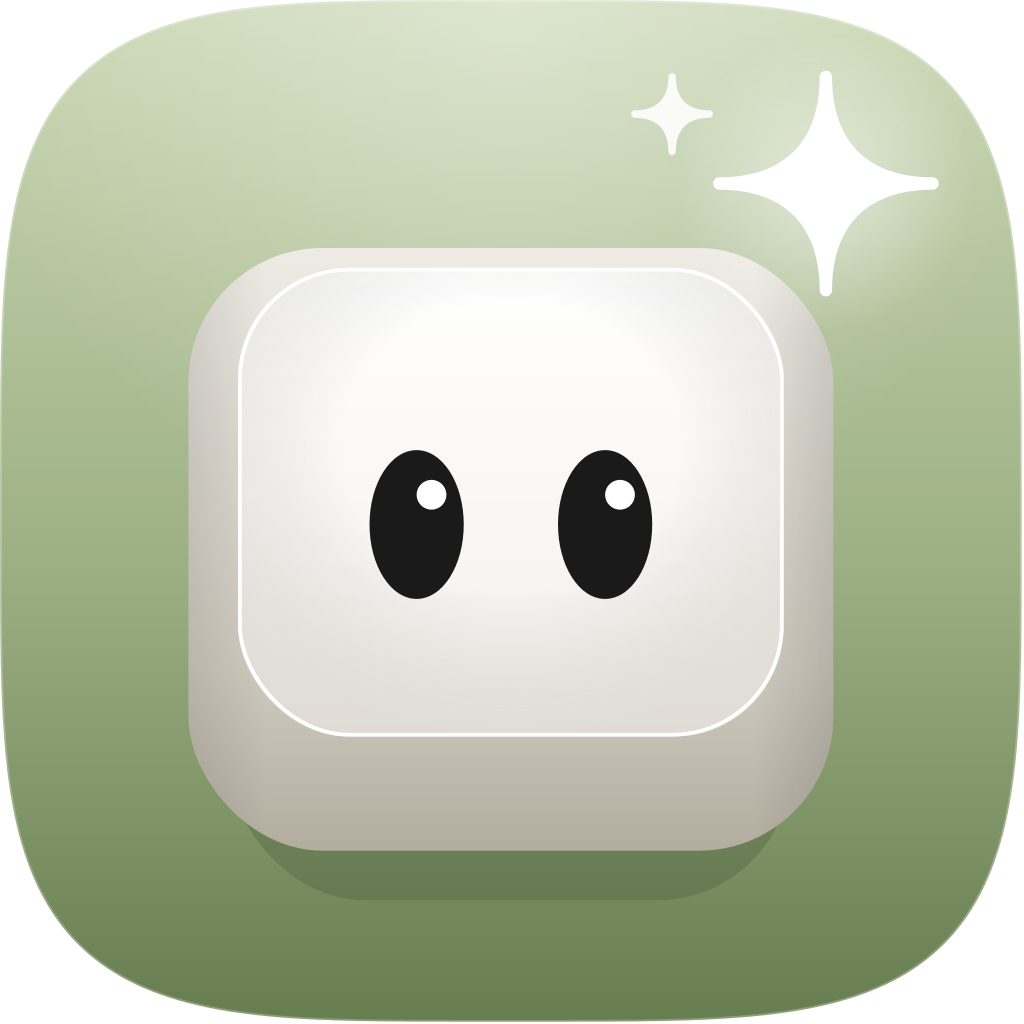
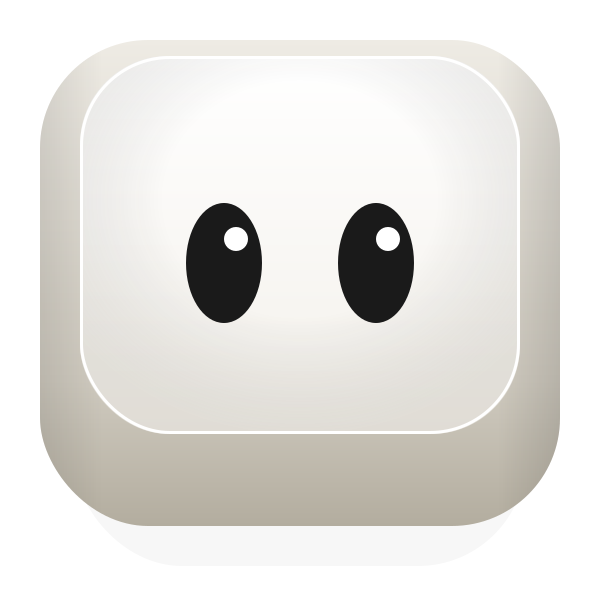
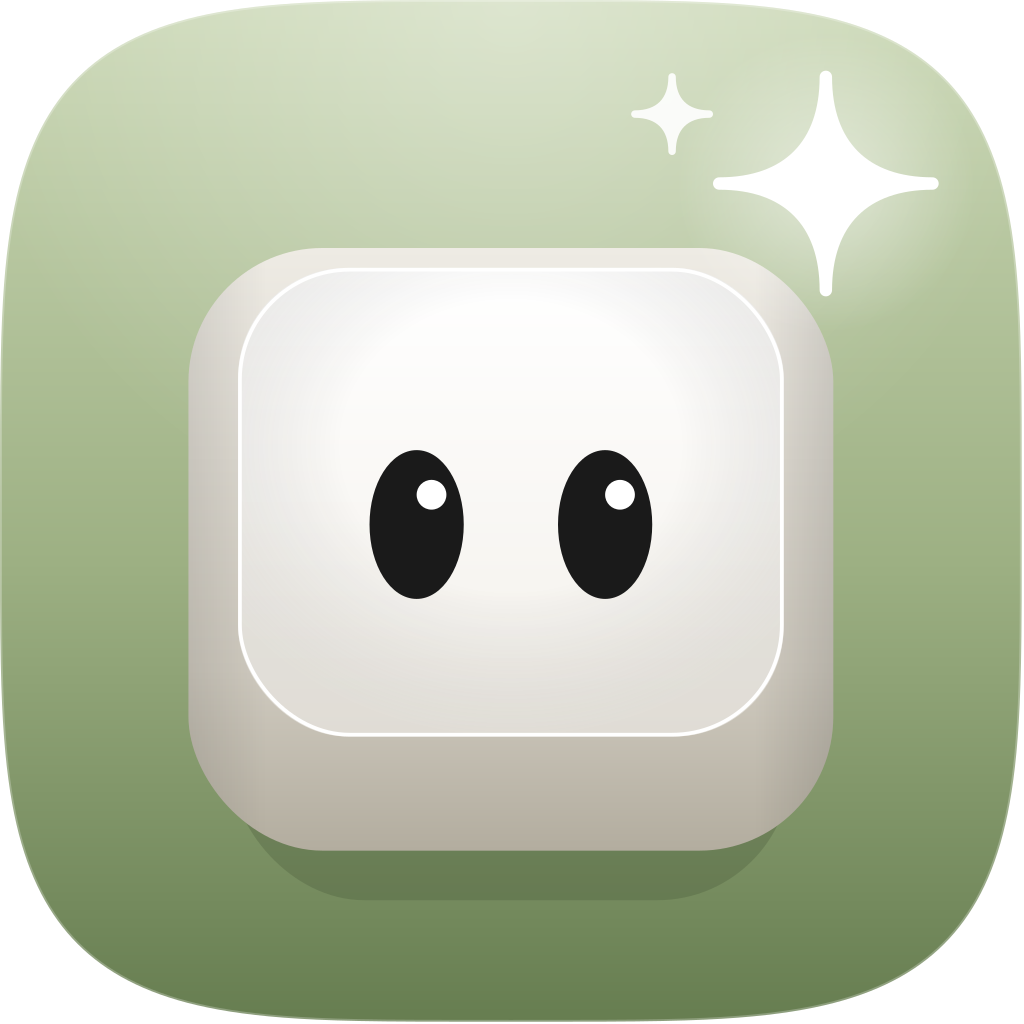
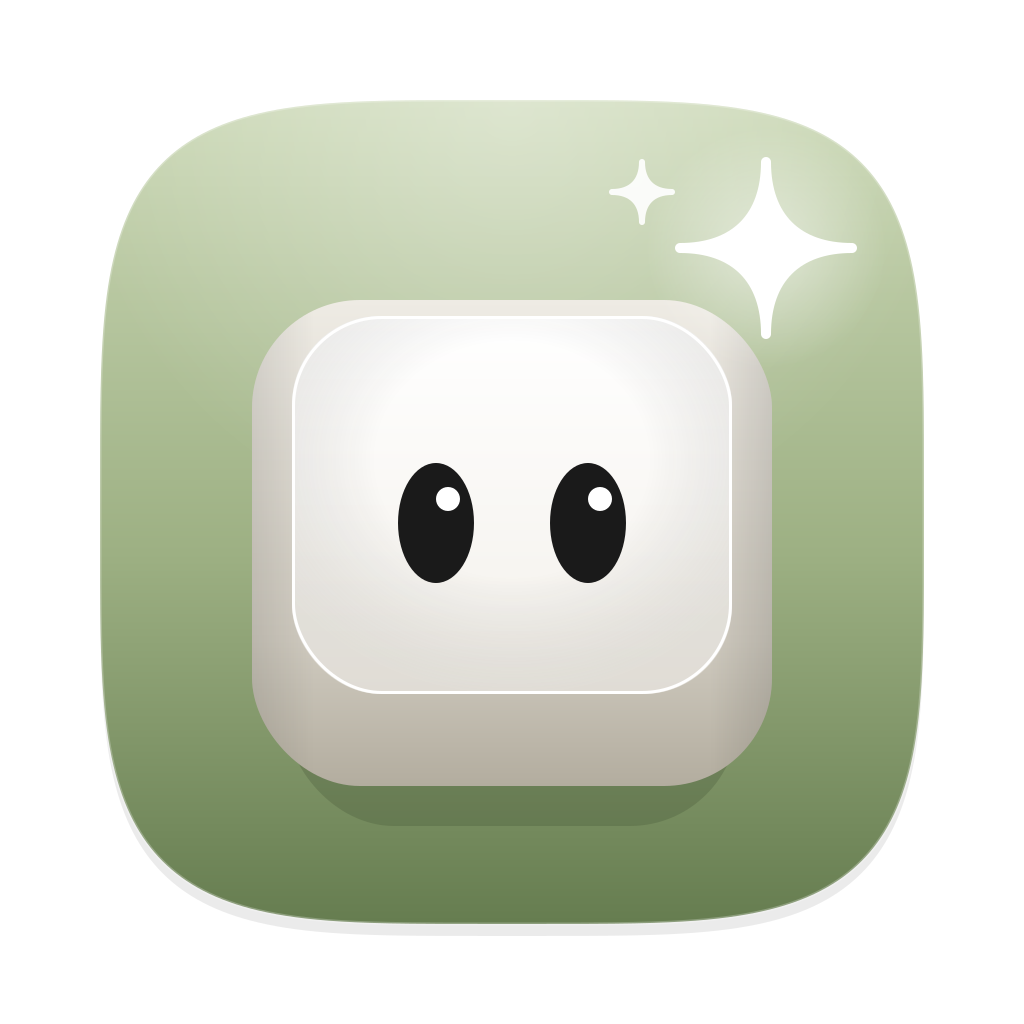
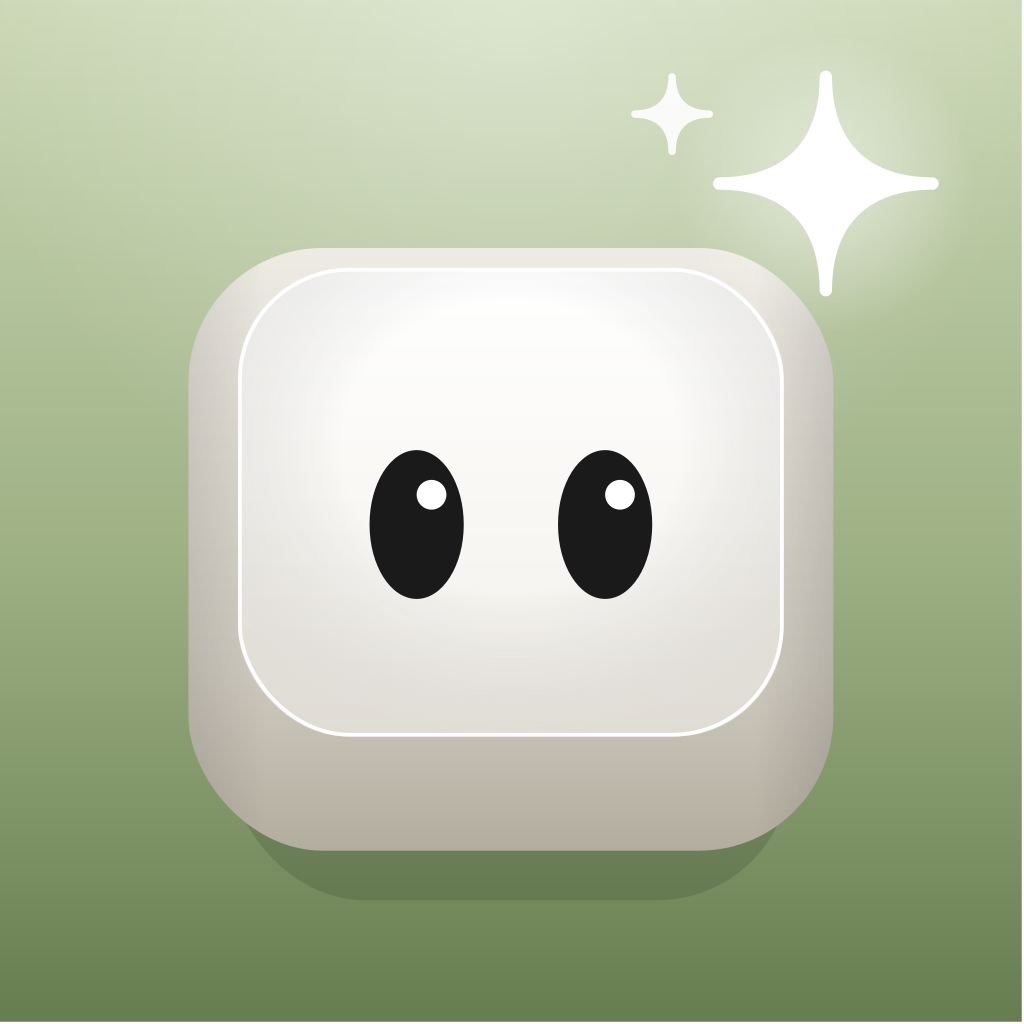
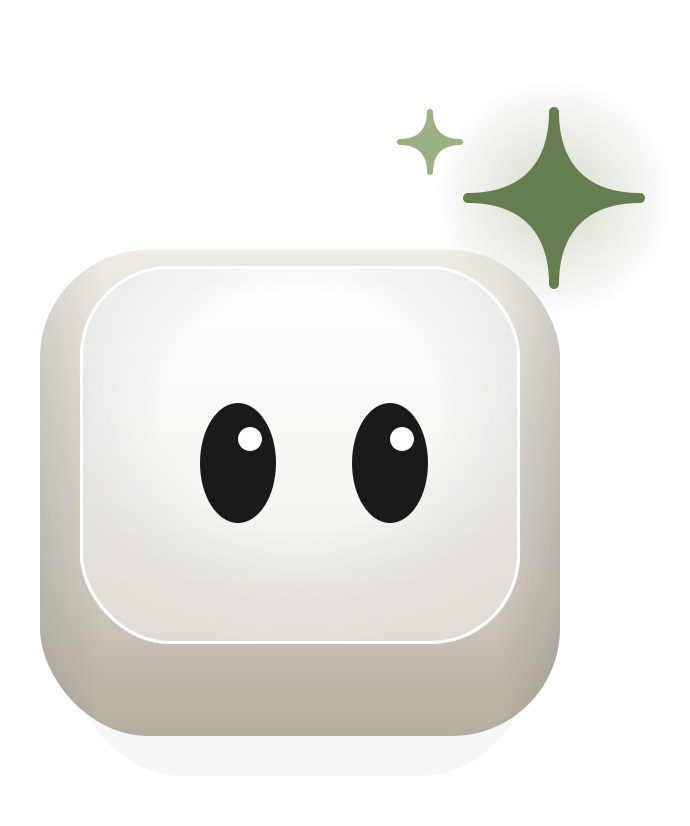
The mark is the Buddy: one keycap with two eyes, on a green tile, with a spark above its shoulder. The key is the hotkey that opens ThatPrompt. The eyes make it a companion. The spark is Enhance.


Clear space and size
- Keep a quarter of the icon's width clear on every side.
- In the lockup, the gap between tile and wordmark is a quarter of the tile's height. Use the file, don't rebuild it.
- Above 32px use the full icon. At 32px and below, switch to the small icon.
Don't
Recolour the tile, stretch or rotate the icon, outline it, add a mouth or accessories, or put it on a busy background.
The Buddy
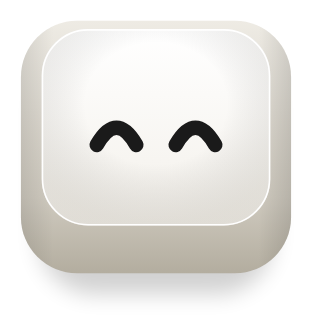
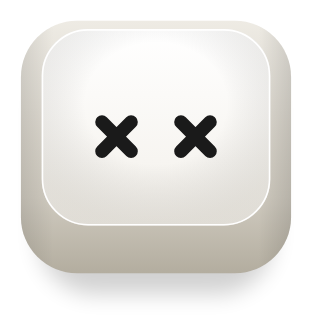
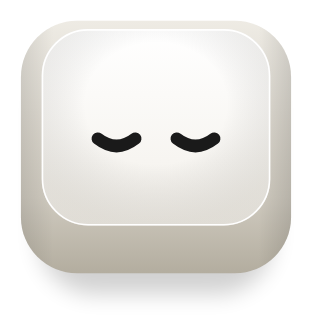
Inside the product the Buddy leaves its tile behind. It has five expressions, and each one has one job.
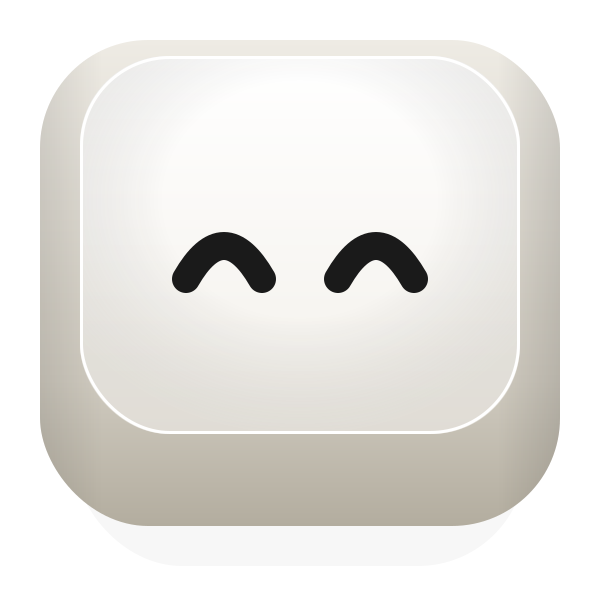
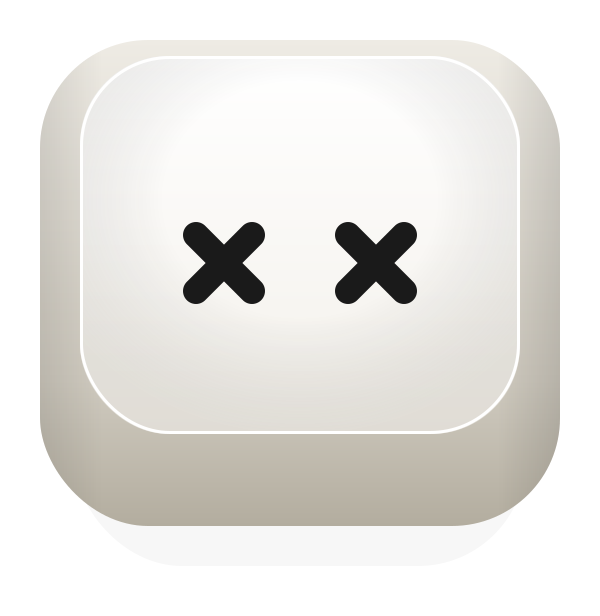
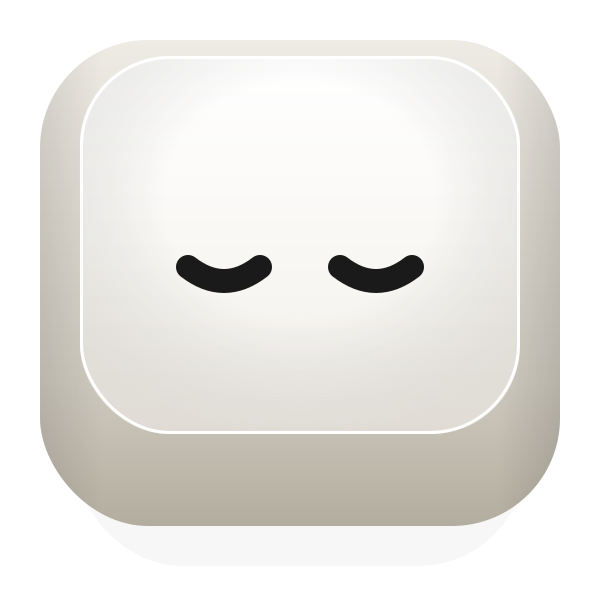
- One Buddy per screen, at most.
- It never speaks. Copy sits beside it, never in a speech bubble.
- The face is eyes only. A new expression changes the eyes and nothing else.
- The four-point spark belongs to the Buddy and to Enhance. Don't use it as decoration.
Colour
Neutral first. Meadow Mist is the only hue, and it's always a fill. ThatPrompt is a Black Lab Studios tool, so the neutrals and type are the studio's. Click a colour to copy its hex.
Charcoal on Meadow Mist
8.4:1. AAA at any size. This is the pairing to use.
Meadow Mist is never text
On light grounds it fails contrast, at 1.3 to 3.3:1. Use it behind text, not for it.
Meadow Mist
ThatPrompt's own colour. A fill behind Charcoal text, never a text colour.
Foundation
The Black Lab Studios neutrals every product shares.
Charcoal tints
80% for secondary text. 60% for large text only. 40% and 20% never carry text on light.
Icon green
Belongs to the icon and the Buddy artwork. Never use it in UI.
Rock, Warm Clay and Lavender belong to other Black Lab Studios products. Keep them out of ThatPrompt work.
Type
Inter, everywhere. No second family and no monospace, keyboard shortcuts included. Get it free from Google Fonts. Sentence case for headings and buttons.
H1
SemiBold 56/64, -2%
Your best prompt.
H2
SemiBold 40/48, -1%
Find it in one hotkey
H3
SemiBold 28/36
Enhance any prompt
Body
Regular 16/28
Press the shortcut, type two letters, and paste the prompt you wrote last week.
Caption
Regular 14/20
Your prompts stay on your computer.
Accent
Light Italic 16/28
That prompt. The one that worked.
Accent is for quotes and editorial emphasis, never for UI labels. Keep running text near 65 characters a line.
Layout
An 8px base. A 12-column grid with a 24px gutter and a 64px outer margin. Only the steps below.
Spacing
Corners
4px
Key chips
6px
kbd, inline code
8px
Buttons, inputs
12px
Cards, the app window
Full
Pills, status dots
The app window is the only thing that casts a shadow.
Icons
Lucide, outlined, 2px stroke, no fill. 24px by default, also 16, 20 and 32. Charcoal on light, White on dark. No emoji as icons.
Voice
Write like a person who uses the app every day. Short sentences, one idea each.
- "You" for the reader. "ThatPrompt" for the app. "We" only for a promise.
- British spelling: organise, behaviour, colour, licence.
- Contractions are fine: you're, it's, don't.
- No em dashes and no semicolons. Start a new sentence instead.
- No hype. Never "seamless", "powerful", "unlock", "effortless", "simply", "just" or "easily".
- Buttons say what happens: "Enhance", "See how it works".
Like this
One click turns a rough prompt into a great one. Then it's yours forever.
Not this
Unlock seamless, powerful prompt workflows effortlessly.